guide
How to find your footing on Roblox before spending Robux
Check the creator, test the controls, and learn what a purchase actually unlocks. A few minutes of preparation make a new experience easier to judge.
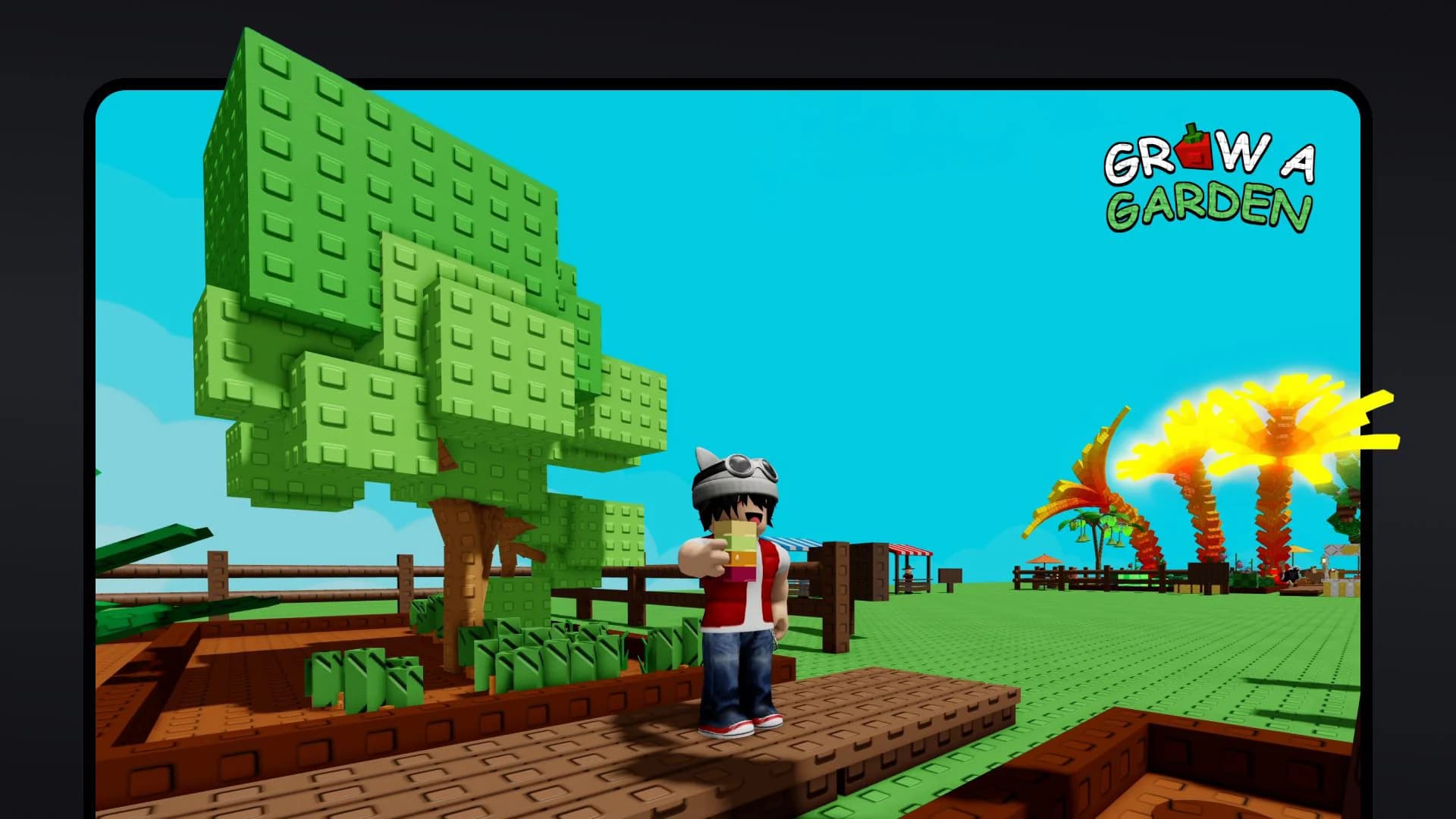
Opening Roblox is closer to entering a collection of games than starting a single campaign. A racing game, a building space, and a round-based survival experience may have completely different controls, rules, and purchase offers. The first task is finding something you can understand and enjoy before deciding whether to spend anything in it.
Use your first session as a trial. Choose an experience, learn its basic loop, and leave with enough information to decide whether you want another evening there. For families, account setup belongs before that trial rather than in the middle of a problem.
Make the account ready first
Use accurate account information and a password you do not reuse elsewhere. Add the recovery options that Roblox offers for your account, then enable an appropriate two-step verification method in Security settings. Roblox's support instructions explain the available methods and backup codes. Save the codes somewhere private that you can find if your usual method stops working.
If you are setting up play for a child, link a parent account through Roblox's parental controls. Review content access, communication, screen time, and spending where those controls are available. The exact options depend on age and region, so read the explanations shown on the account rather than assuming another family's setup will be identical.
Set the budget before opening a game. A zero-spend trial is a perfectly usable starting point. For any permitted purchase, agree how much can be spent and whether a repeat payment is acceptable. Roblox notes that its monthly spending limit does not cover gift-card redemption; include gift cards in your own household plan.
Inspect the page, then test the game
Read the experience description and check which creator published it. A familiar-looking name or thumbnail can be a reason to investigate, but it is not proof that you have found the version your friend recommended. Use the link they supplied through a trusted conversation, or ask them to confirm the creator name.
Look for information about the main activity and device support. Once inside, test moving, jumping, interacting, and opening menus before following everybody into a complicated round. Touch controls can feel different from a keyboard or controller, and a game that looks interesting may simply be awkward on your device.