guide
Build a VALORANT crosshair you can actually read
Set up a readable profile, test it against real map backgrounds, and separate crosshair problems from movement and placement mistakes.
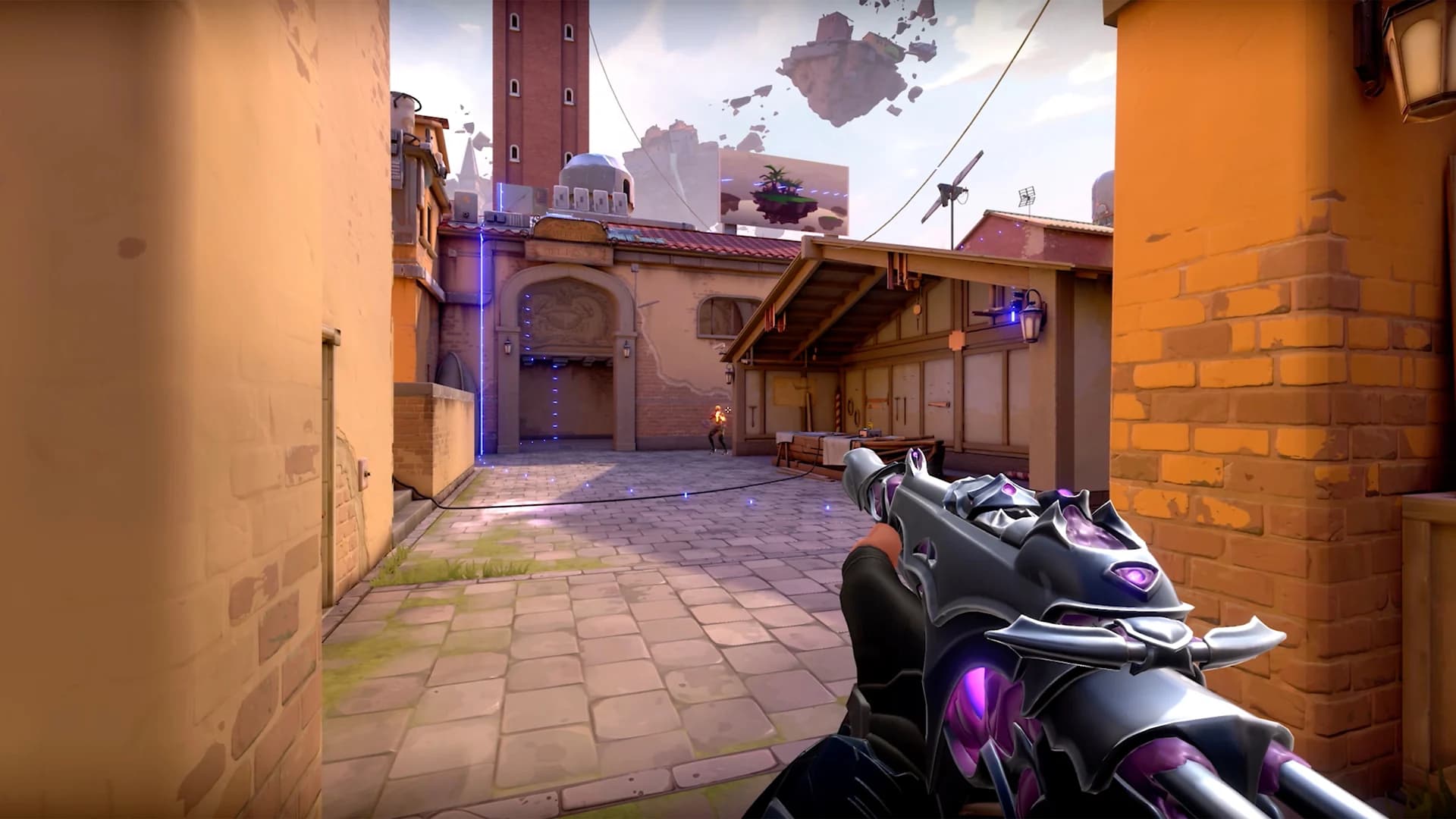
A good crosshair stays visible when the round gets busy and leaves enough room to see what you are aiming at. That sounds straightforward until you start adjusting line length, outlines, gaps, and error settings at once. After twenty minutes in the menu, you can end up with something that looks excellent in the preview and disappears against a wall.
Start with a readable shape, test it in the game, and keep a copy before changing anything. The aim is to settle on a crosshair you can use without thinking about it every time you lose a duel.
Build a plain starting profile
Open Settings, then Crosshair, and create a named profile. A small cross with short inner lines and a modest center gap is a useful starting point. Turn off decorative outer lines while you establish the shape. If you prefer a dot, try it as a separate profile rather than adding one to an already crowded cross.
Keep the first version simple enough that you can tell what each adjustment does. Length changes how far the lines reach; thickness changes their visual weight; offset changes the space around the center. Increasing all three together makes comparison difficult. A crosshair can be compact while still being thick enough to see comfortably.
There is no universal set of numbers. Your resolution, screen size, viewing distance, and eyesight affect how a tiny shape reads. Copying a professional player's profile gives you a sample to test, not a finished answer.
Check contrast on the map
Choose a color you can distinguish from the environments you regularly play. Cyan, green, and white are reasonable candidates to compare, but none wins on every surface. Riot also supports custom colors through a six-digit RGB hex value, alongside separate horizontal and vertical line adjustments. These options were documented in patch 5.04.
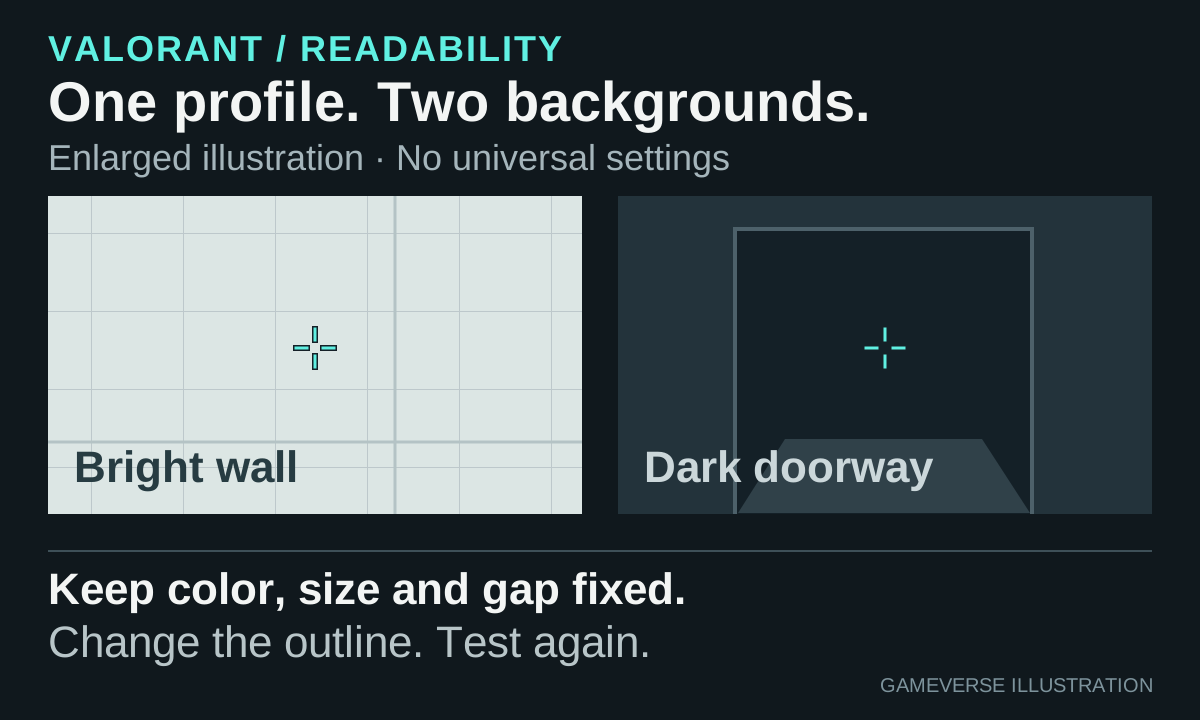
Walk through several areas instead of testing against one convenient background. Look at bright walls, dark doorways, foliage, and distant corners. Then aim at a target. You need to see both the crosshair and the target's outline, particularly when the target occupies only a few pixels.
If the shape fades against a bright surface, try a restrained dark outline before making the whole crosshair larger. If the outline becomes the first thing you notice, reduce its weight. Avoid judging color solely from a screenshot: a still image cannot show how easily your eyes recover the center after a quick turn.